
Click directly on the canvas and apply instantly
Quick Click turns the preview window into an interactive canvas. Once enabled, you can click target positions directly on the canvas and have each click take effect immediately.
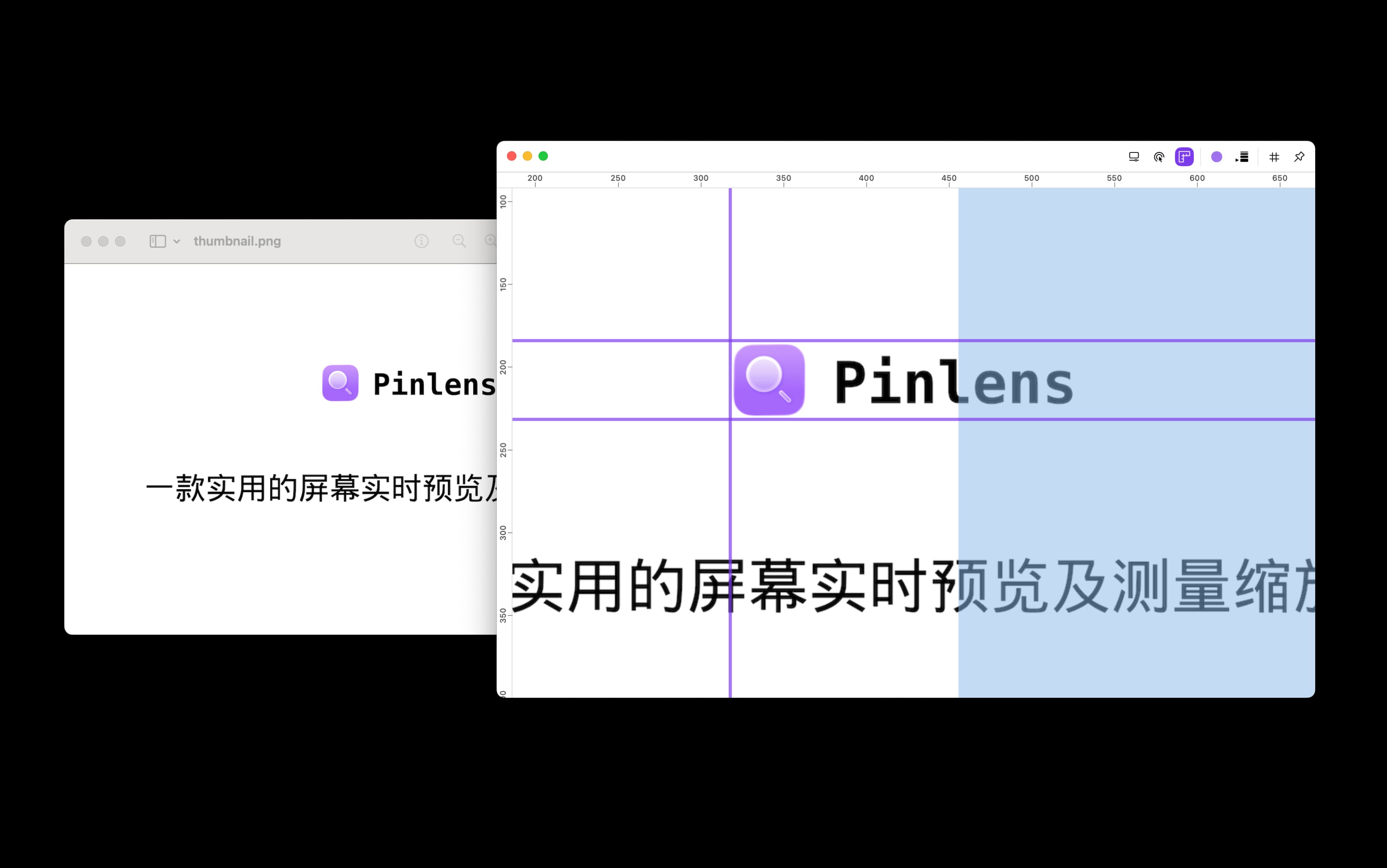
After enabling Quick Click, clicks on the canvas apply directly to the target position
Designed for direct interaction
Click on the canvas
After enabling it, click target positions directly on the canvas without returning to the original window or another operation layer.
Every click applies
Click actions take effect at the corresponding position immediately, useful for verifying buttons, hotspots, and interaction states.
Less mode switching
After viewing, zooming, and positioning, you can execute clicks directly and avoid breaks between observation and operation.
Great for demos and debugging
When presenting details or debugging interactions, keep observing, zooming, and clicking around the same canvas.