
See screen details with precision
PinLens is a real-time screen preview tool built for macOS.
Select any region, zoom into details, and inspect alignment with rulers, guides, and grids.
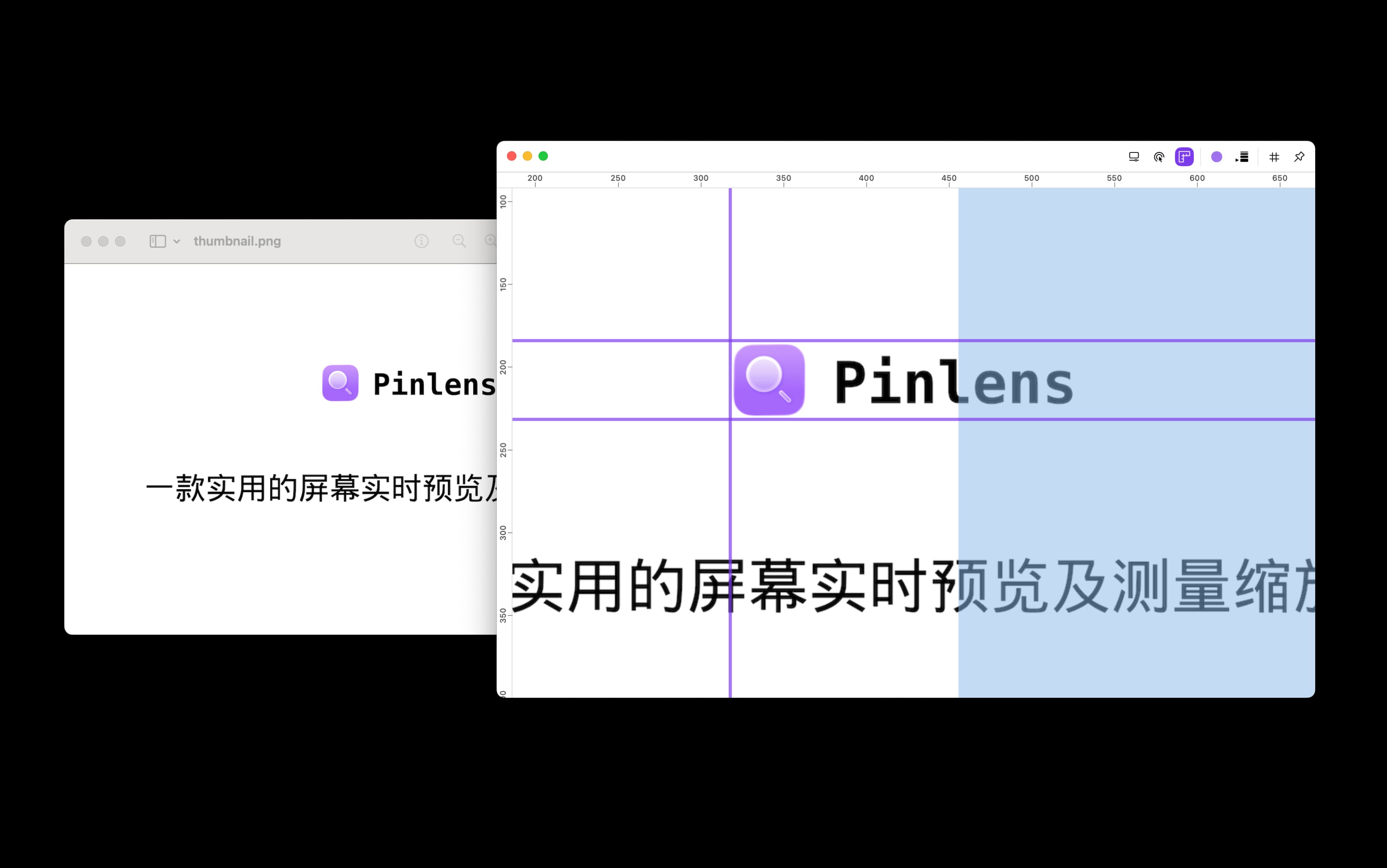
Preview, zoom, and measure in one place
PinLens brings region capture, zoom inspection, design aids, and quick click into one lightweight window for UI design, debugging, and content creation.
Area Selection & Real-time Preview
Flexibly drag to select any screen area, supports 8-direction resizing and moving, real-time display of selected area content.
Zoom & Navigation
Supports 0.5x - 10x zoom, mouse gesture zoom, real-time display of zoom level and viewport position.
Design Auxiliary Tools
Toggleable horizontal/vertical rulers, custom guides, guide position adjustment and deletion.
Quick Click
Enable it to click directly on the canvas, with each click taking effect immediately and fewer confirmation steps.
Start inspecting in three steps
No complex setup. Select a region and start previewing, zooming, measuring, and clicking.
Launch App
Open PinLens from the menu bar and enter region selection mode.
Select Area
Drag over the screen area you want to inspect, then refine the selection with handles.
Inspect Details
Zoom, measure, align, and click directly in the dedicated preview window.
Designed for macOS
PinLens supports macOS 15.0 and later. Grant screen recording permission on first use to enable real-time preview.
macOS 15.0+
Requires Sonoma or higher
Screen Recording Permission
Used to capture and preview the selected region