
Zoom Function
Move from full context to pixel detail with smooth zoom
PinLens supports 0.5x to 10x zoom with mouse gestures, viewport positioning, and zoom indicators, so UI reviews, debugging, and demos can stay focused on the details that matter.
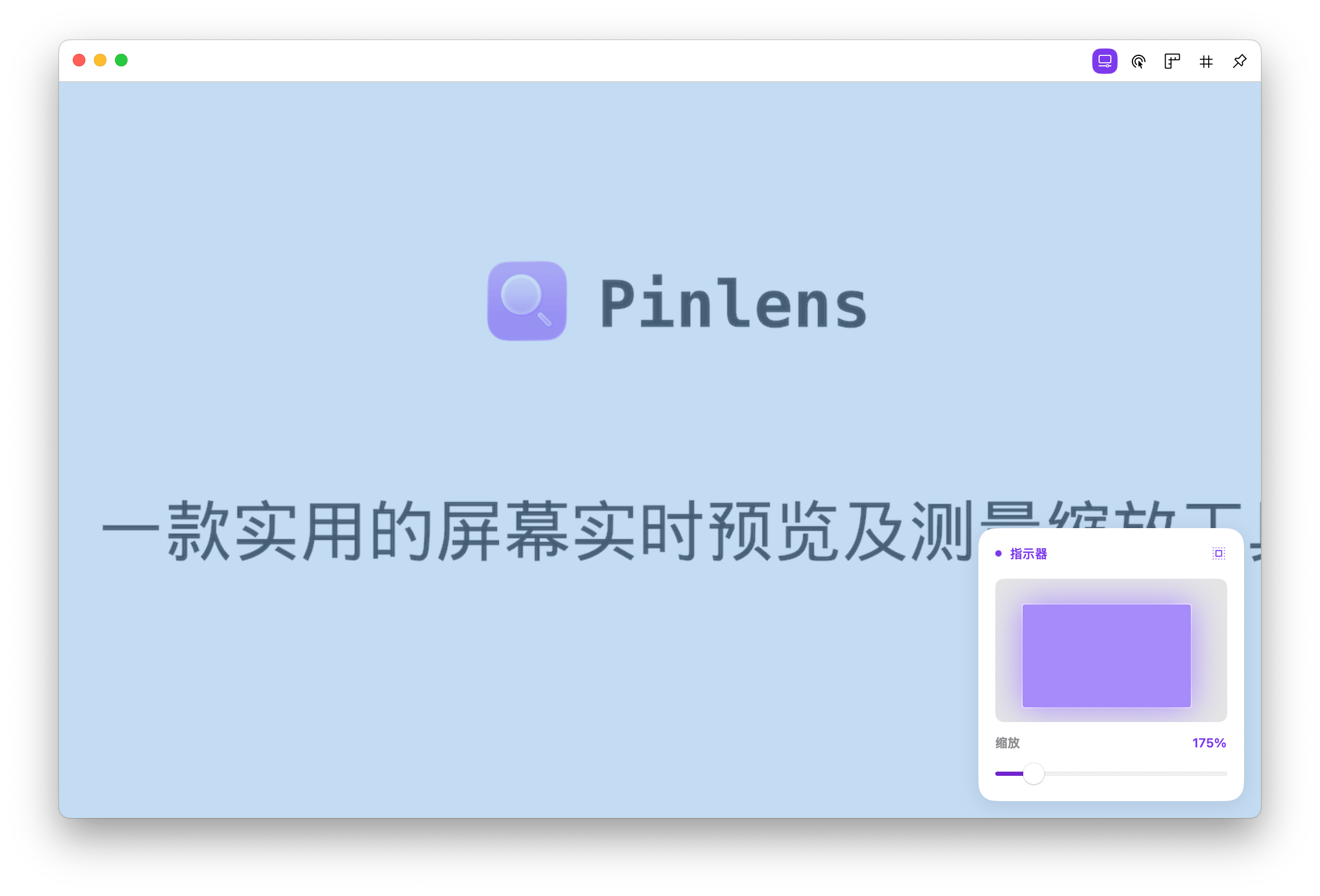
Zoom preview
Zoom into live preview content while indicators show magnification and viewport position
0.5x
1x
2x
5x
10x
0.5x-10x
From overview to detail
Gesture
Zoom quickly with the mouse
Indicator
Magnification and viewport feedback
Built for detail inspection
Continuous zoom
Switch from full layout context to pixel-level detail without constantly taking screenshots or opening design tools.
Mouse gesture control
Use familiar wheel or trackpad gestures to zoom in, zoom out, and keep navigation feeling natural.
Zoom indicators
Show the current magnification and viewport position in real time, so you do not lose context at higher zoom levels.
Works with design aids
Keep using rulers, grids, and guides while zoomed in to inspect spacing, edges, and visual proportions.
Start zoom inspection quickly
1
Select the screen area you want to observe and open the live preview window.
2
Use the mouse wheel or gesture controls to adjust zoom level.
3
Use the zoom indicator to confirm magnification and viewport position, then inspect details with rulers and grids.
PinLens macOS 15.0+